



Table of Contents
– How Does Google Lens Revolutionize Image Recognition?
– Discover Real-World Applications and Benefits
– Surprising Google Lens Features You Didn’t Know
– Exploring Alternatives: What Else is Out There?
How Does Google Lens Revolutionize Image Recognition?
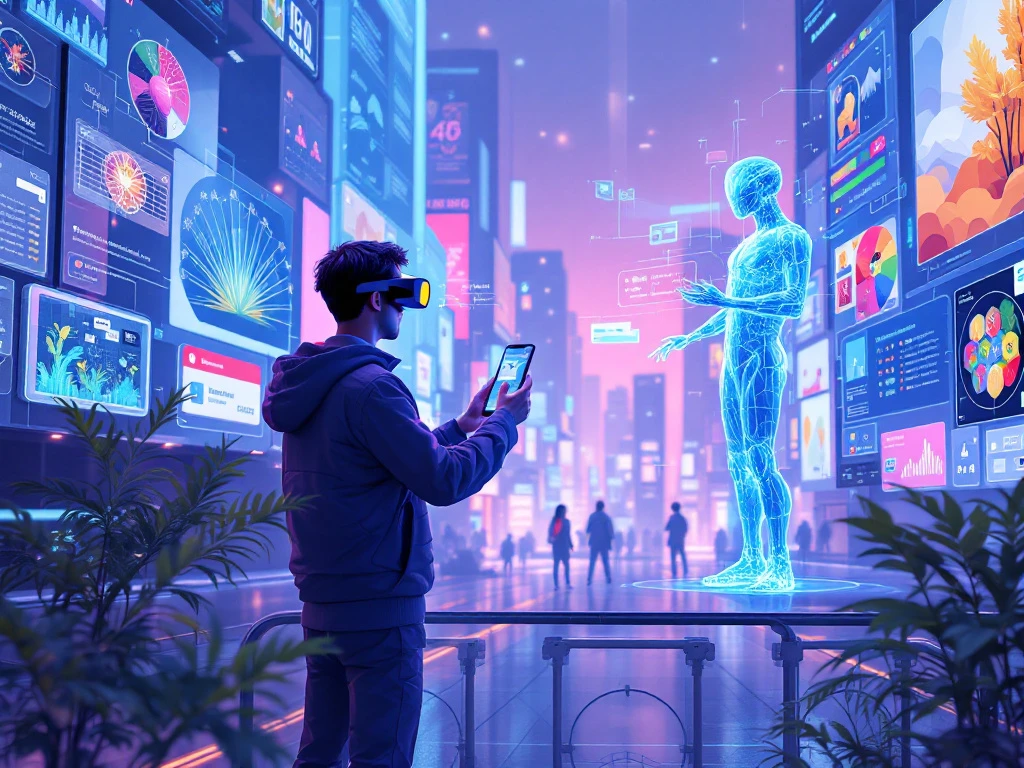
From identifying objects to translating languages, Google Lens offers a unique blend of technology and convenience right at our fingertips. Imagine your camera as a superpower with an AI brain. When we point it at an interesting object or curious text, Google Lens can analyze the image in real-time. Using machine learning, it recognizes over a billion objects. Whether it’s a rare bird, a historical monument, or a mysterious plant, Google Lens shines in providing instant identification and relevant information.
Google Lens also includes powerful image recognition tools used to conduct reverse image searches and image identification. It’s like having a digital encyclopedia that makes learning interactive and instant. Take, for example, its ability to translate text. By simply pointing your camera at a menu or a road sign in a foreign country, the app instantly translates the text, supporting over 100 languages. This feature alone revolutionizes travel, making it more immersive and less daunting.
The possibilities don’t stop there. The augmented reality capabilities further amplify its utility, layering information like a digital overlay on the physical world around us. This fusion of reality and technology makes Google Lens an indispensable tool for exploring and understanding our world effortlessly.
Discover Real-World Applications and Benefits
Google Lens isn’t just a novelty; it’s a powerhouse of practical applications that enhance everyday life. Consider those moments when you’re exploring a new city. With the camera search technology of Google Lens, you can quickly identify landmarks, read their histories, and even get directions to nearby attractions. It’s your personal tour guide, making exploration informative and exciting.
But Google Lens extends beyond travel. In academic settings, it acts as a classroom assistant. Students struggling with math problems can scan equations using Lens and receive step-by-step solutions, allowing them to learn at their own pace. This functionality provides a bridge between theoretical problems and practical understanding.
For language enthusiasts, the visual translation app feature is a game-changer. It dissolves language barriers by providing instant translations, making communication smoother and more inclusive. Similarly, those with a knack for gardening can utilize Google Lens to identify plants, gaining insights about care and maintenance.
Businesses benefit, too, especially in retail. Shoppers can use the app to scan barcodes or products, find reviews, and compare prices, empowering more informed purchasing decisions. Ultimately, whether for personal enrichment or professional use, Google Lens seamlessly integrates AI-driven insights into our daily routines, proving invaluable across diverse scenarios.
Surprising Google Lens Features You Didn’t Know
Beyond its everyday functions, Google Lens hides a few surprises in its digital arsenal. For one, it’s not just about identifying and translating—Lens has integrated with gaming, specifically with “Pokémon GO,” to identify creatures lurking in your surroundings, blending fun with real-world interaction.
Another remarkable feature is its ability to solve complex puzzles, like Sudoku or intricate crosswords. By accessing pattern recognition and solving algorithms, it effortlessly deciphers these brainteasers, offering solutions that would stump many.
Fashion devotees will appreciate Lens’s impact on style. Picture seeing an outfit you adore but have no idea where to find it. Pointing Lens at the clothing can guide you to similar items available online or in nearby stores through its visual search technology. This transforms shopping from guesswork into a seamless digital experience.
Google Lens is also equipped for culinary adventures. Simply scan a recipe, and in seconds, it extracts pertinent details and even suggests nearby spots where you can purchase those elusive ingredients.
The subtle brilliance of Google Lens is its capacity to transform mundane moments into opportunities for discovery and delight, consistently integrating augmented reality features into practical, everyday tasks that keep us curious and engaged with the world around us.
Exploring Alternatives: What Else is Out There?
While Google Lens offers a sweeping array of features, it’s not the only player in the realm of visual search tools. Other apps provide unique functionalities that might align better with specific needs. For instance, Microsoft’s Seeing AI is designed with accessibility in mind, helping visually impaired users by narrating the world around them. It offers a richly detailed auditory interface, making environments more navigable.
For fashion enthusiasts, the Pinterest Lens offers a tailored experience. When inspiration strikes from a particular style or decor, Pinterest Lens allows users to find similar items within its vast database. This function appeals to those looking to enhance their style with visually relatable content.
Snapchat’s Scan feature also introduces creative interactivity. It recognizes objects and provides contextual lenses that add an element of fun through augmented reality overlays, sharing similarities with some of Google Lens’s AR capabilities.
For those looking to focus on barcodes and product identification, Amazon’s visual search tool simplifies shopping by providing instant access to product details and customer reviews.
These alternatives highlight the richness of choices available, catering to different aspects of our digital interaction. It’s about finding the right tool for the task—a balance between functionality and personal preference in enhancing our explorative journeys.
Conclusion
In the ever-evolving digital landscape, Google Lens stands out by merging practicality with innovation. It enriches our daily lives, turning curiosity into knowledge with a single tap on the camera. From translating languages to identifying objects and even making complex math problems solvable, Google Lens effectively bridges the gap between the digital and physical worlds. It’s a tool that not only enhances user experience but also opens doors to endless opportunities for exploration and learning. As we’ve explored, there are numerous ways to harness its capabilities or even explore alternatives suited to specific preferences. Whichever path chosen, the journey into visual discovery promises to be both enlightening and engaging.
FAQs
Q: Can Google Lens be used offline?
A: No, Google Lens requires an internet connection to process images and access its AI components for object identification and translation.
Q: How do I access Google Lens on my phone?
A: Google Lens is available on both Android and iOS. On Android, access it through the Google app or Google Photos. iOS users can find Lens functionality through the Google app as well.
Q: Is Google Lens free to use?
A: Yes, Google Lens is free to use. However, standard data charges may apply if you’re not on Wi-Fi while using its features. It integrates with various apps, providing a cost-effective way to enhance digital interactions.
What is Next?
Ready to explore the world in a whole new way? Unlock the full potential of Google Lens by downloading or updating the app on your smartphone today. Experiment with its features to see how it can make everyday tasks more intuitive and exciting. Use it to solve math equations, translate signs on your next trip, or even find fashion inspiration. And if you’re curious about other visual search technologies, consider trying some alternatives to find what best suits your lifestyle. If you have questions or need further assistance, don’t hesitate to call us at 989789686756. Embrace the digital era with confidence and curiosity!